Handouts
Handouts are the coaching articles and guides you assign for a family to read in their app. You will find them at Patient record → Care Plan → Handouts.
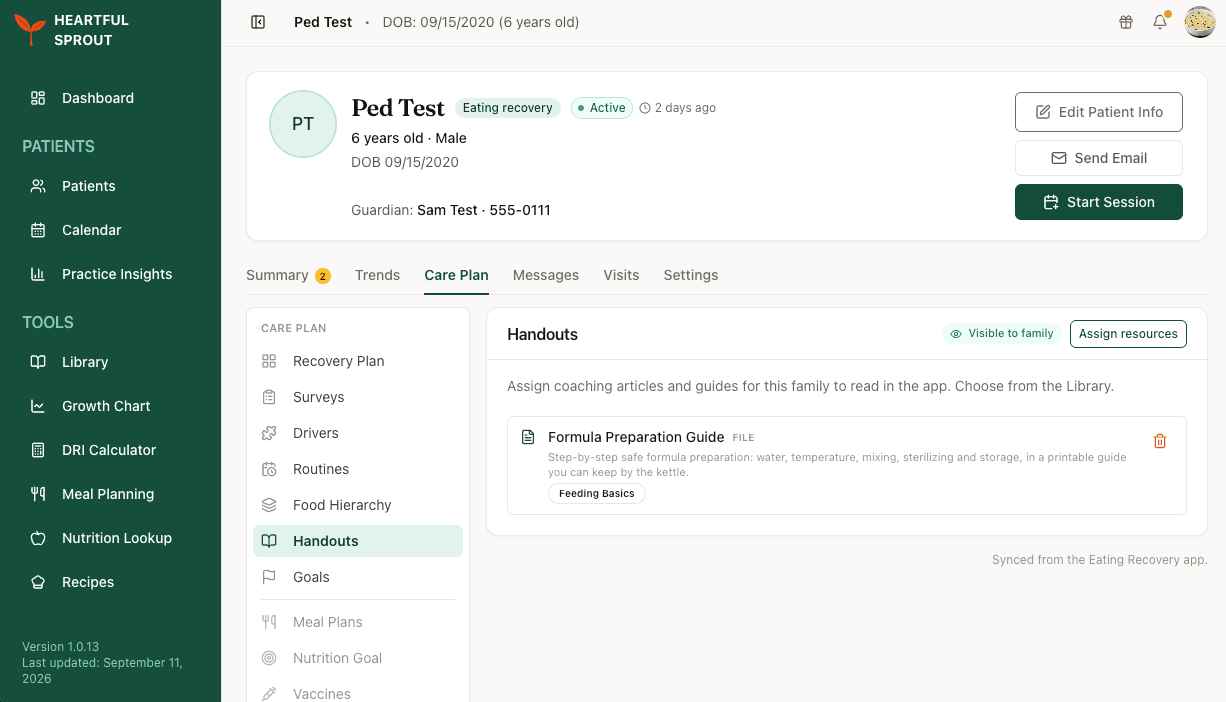
Anything you assign is visible to the family straight away. To take one back, delete it from the list.
Assigning
Click Assign resources to open the Assign from the Library dialog.
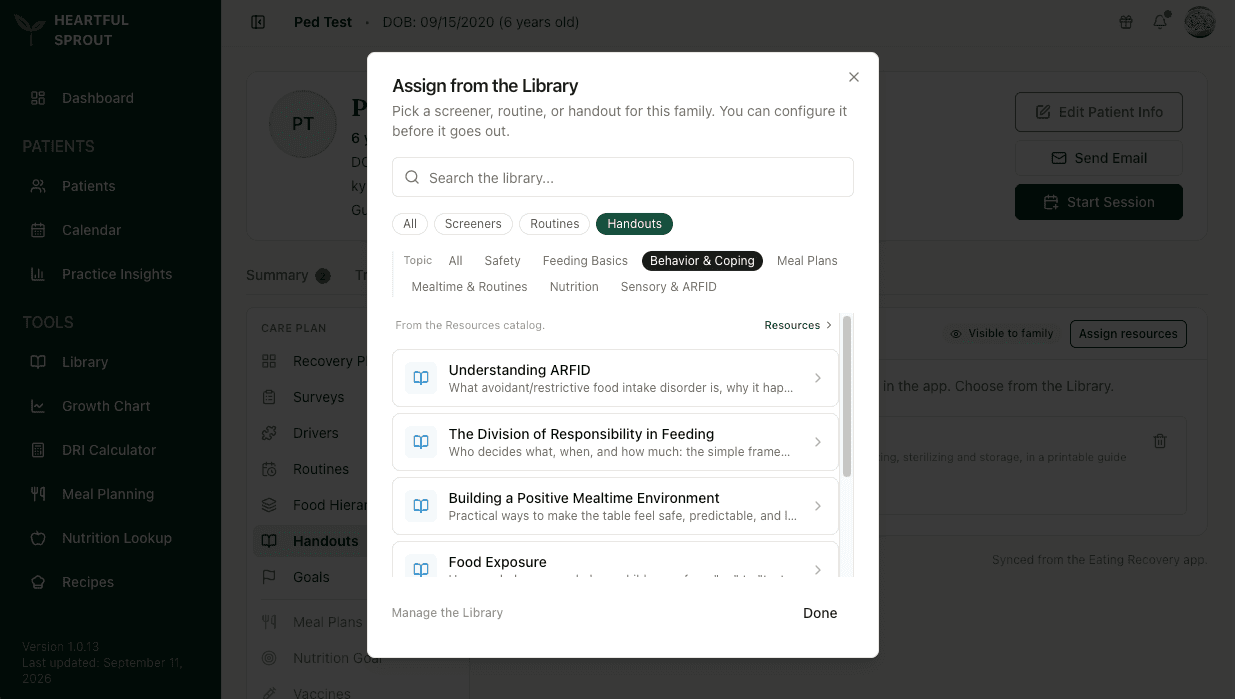
Narrow the list by type (Screeners, Routines, Handouts) and by topic, or search by name. The same dialog assigns screeners and routines, so you can send a family everything they need in one pass.
Pick an item to open it. It does not go out until you have configured it, so you can set it up for this family first.
Browse or add to the catalog from the Library.